


Fiber vs Cable for Business: 2026 Speed, Cost & Reliability Comparison
Your cable internet worked fine when your office had 15 people and nobody was running cloud applications all day. Now you’ve got 60 employees, a VoIP phone system that drops calls during peak hours, and a SaaS stack that grinds to a halt every time someone kicks off a large file transfer. Sound familiar?
The fiber vs cable question isn’t really about raw speed numbers on a spec sheet. It’s about whether your internet connection can keep up with how your business actually operates today - and where it’s headed over the next three to five years.
This guide breaks down the real differences between fiber and cable business internet in 2026, including what the sales reps won’t tell you about pricing, reliability, and the hidden costs that show up six months after you sign.
How Fiber and Cable Actually Differ
Before diving into comparisons, it helps to understand what’s physically different about these two technologies. The distinction matters more than most IT buyers realize.
Fiber Optic Internet
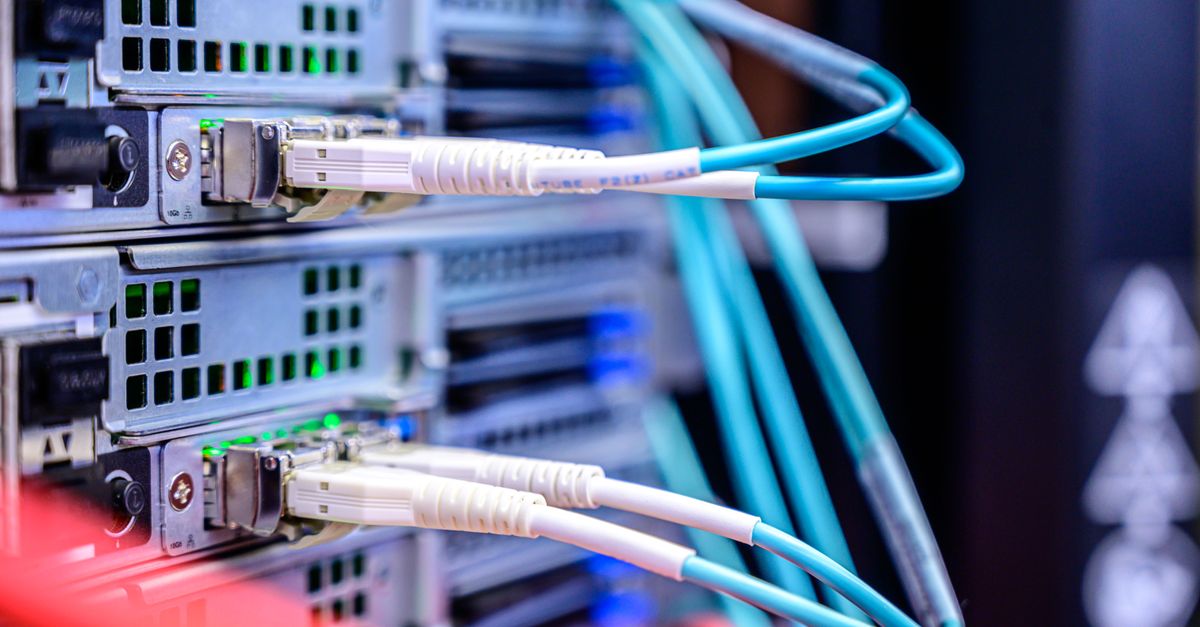
Fiber transmits data as pulses of light through thin glass strands. This is fundamentally different from electrical signals moving through copper, and that difference drives nearly every advantage fiber has.
Light doesn’t degrade over distance the way electrical signals do. It’s not susceptible to electromagnetic interference from nearby power lines or equipment. And glass strands can carry exponentially more data than copper cables of the same diameter.
Modern fiber networks deliver symmetrical speeds - the same bandwidth for uploads and downloads. For businesses running cloud applications, VoIP, video conferencing, and remote backup, that symmetrical capacity is a game-changer.
Cable Internet
Cable uses the same coaxial copper infrastructure originally built to deliver television signals. Internet service providers adapted this network for data by allocating specific frequency channels for internet traffic.
Cable technology has improved dramatically. DOCSIS 3.1 and the newer DOCSIS 4.0 standard can deliver download speeds exceeding 1 Gbps. But there’s a catch: cable networks are asymmetrical by design. Upload speeds typically max out at a fraction of download speeds - often 35 Mbps on a plan advertised at 500 Mbps down.
The other structural issue with cable is that bandwidth is shared among users on the same node. During peak usage hours, your actual throughput can drop well below what you’re paying for. Fiber networks, particularly dedicated internet access (DIA) circuits, don’t have this problem.
Speed: The Numbers That Actually Matter
Raw download speed gets all the attention in marketing materials. But for business use, three metrics matter more than peak download throughput.
Download Speed
Both fiber and cable can deliver impressive download numbers. Cable plans commonly offer 500 Mbps to 1 Gbps. Fiber business plans range from 100 Mbps to 10 Gbps, depending on the service tier and provider.
For most mid-market businesses, anything above 500 Mbps down is sufficient for day-to-day operations. The speed advantages of fiber become more relevant at scale - when you’re supporting hundreds of users or running bandwidth-intensive applications like video production or large data transfers.
Upload Speed
This is where the comparison gets lopsided. Cable upload speeds typically cap at 20-35 Mbps on standard business plans. Some DOCSIS 4.0 deployments can push that to 100 Mbps, but availability is still limited.
Fiber business plans deliver symmetrical speeds. A 500 Mbps fiber connection gives you 500 Mbps up and down. A 1 Gbps connection gives you the full gigabit in both directions.
Why does upload speed matter? Every time your team does any of the following, they’re consuming upload bandwidth:
- Video conferencing on Zoom, Teams, or Webex (each participant needs 2-4 Mbps up for HD video)
- VoIP calls through your UCaaS platform
- Cloud backup and file sync (OneDrive, Google Drive, Dropbox)
- SaaS application data being sent to cloud servers
- Remote desktop sessions for distributed teams
- Uploading files to project management tools, CRMs, or collaboration platforms
With 50 employees on simultaneous video calls, you’d need 100-200 Mbps of upload bandwidth just for conferencing. On a cable connection capped at 35 Mbps up, that math doesn’t work. Calls drop, video freezes, and your IT team gets buried in help desk tickets.
Latency
Latency measures the time it takes for data to travel from your network to its destination and back. Lower latency means faster response times for every click, every API call, and every voice packet.
Fiber latency typically ranges from 1-5 milliseconds. Cable latency runs 15-30 milliseconds under normal conditions, but can spike to 50-100+ milliseconds during congestion.
For web browsing and email, that difference is imperceptible. For VoIP calls, real-time collaboration tools, and cloud-hosted ERP or CRM systems, it’s the difference between snappy performance and noticeable lag.
Jitter
Jitter is the variation in latency over time. Even if your average latency is acceptable, high jitter causes packet loss that degrades voice and video quality. Fiber connections exhibit minimal jitter because light signals through glass are inherently stable. Cable connections, sharing bandwidth across a neighborhood node, experience more variable performance.
If your business runs a cloud phone system or contact center platform, jitter is often the hidden culprit behind poor call quality - not raw speed.
Reliability: Uptime Is Where Fiber Wins Decisively
Speed is important, but reliability determines whether your business actually runs or grinds to a halt when connectivity fails.
Fiber Reliability
Fiber optic cables are immune to electromagnetic interference, which means electrical storms, nearby industrial equipment, and power line proximity don’t affect performance. Glass doesn’t corrode the way copper does, so fiber infrastructure degrades more slowly over time.
Business fiber circuits, especially dedicated internet access (DIA) connections, typically come with service level agreements (SLAs) guaranteeing 99.95% to 99.99% uptime. That’s the difference between 4.4 hours of downtime per year and 53 minutes.
DIA circuits also include proactive monitoring, priority repair, and guaranteed bandwidth - meaning you get the speed you’re paying for, all the time.
Cable Reliability
Cable networks are more susceptible to outages and performance degradation. Shared infrastructure means that problems at any point along the neighborhood node can affect your service. Severe weather can damage above-ground coaxial infrastructure more easily than underground fiber.
Most cable business plans come with weaker SLAs - typically 99.5% to 99.9% uptime. That translates to roughly 9 to 44 hours of potential downtime per year. For a business that depends on internet connectivity to operate, those numbers represent real revenue risk.
Cable providers also don’t typically offer guaranteed bandwidth. Your 500 Mbps plan might deliver 500 Mbps at 6 AM and 200 Mbps at 2 PM when every business on your node is streaming, conferencing, and syncing files simultaneously.
Cost: The Full Picture
Here’s where the conversation gets nuanced. Fiber costs more on paper, but the total cost of ownership tells a different story.
Monthly Service Costs
Cable business internet: $100-$300/month for plans ranging from 200 Mbps to 1 Gbps download. These are typically shared bandwidth plans without performance guarantees.
Fiber shared internet: $200-$500/month for symmetrical plans from 200 Mbps to 1 Gbps. Better than cable but still shared bandwidth at the lower tiers.
Fiber DIA: $500-$1,500/month for dedicated symmetrical bandwidth from 100 Mbps to 1 Gbps, with SLAs and guaranteed performance. Enterprise-grade circuits at 10 Gbps can run $2,000-$5,000/month.
Installation and Construction
Cable internet installation is usually straightforward if your building already has coaxial infrastructure. Expect minimal installation fees, sometimes waived entirely.
Fiber installation depends heavily on whether fiber exists in your building or nearby. If a provider has fiber on your street or in your building, installation might run $500-$2,000. If construction is required to extend fiber to your location, costs can jump to $10,000-$50,000 or more, depending on distance.
Many fiber providers will amortize construction costs into a multi-year contract, spreading that capital expense into your monthly payment. This is worth negotiating - construction cost recovery terms vary significantly between providers, and a technology advisor can help you navigate these negotiations.
The Hidden Costs of Cable
Cable’s lower sticker price often hides costs that show up elsewhere:
- Productivity loss from slow upload speeds and peak-hour congestion
- VoIP quality issues requiring IT time to troubleshoot
- Cloud application performance degradation affecting every employee’s workflow
- Longer backup windows that extend into business hours
- Customer experience impact from contact center call quality issues
If your 50-person company experiences one hour of meaningful internet degradation per week due to cable congestion, and average loaded employee cost is $50/hour, that’s $2,500/week in productivity impact - more than enough to cover the premium for a fiber DIA circuit.
Scalability: Planning for Growth
Cable Scalability
Cable networks have physical limits. DOCSIS 4.0 pushes the boundaries of what copper coaxial can deliver, but the technology is approaching its ceiling. If your bandwidth needs grow beyond 1-2 Gbps, cable simply can’t get you there.
Upgrading cable service also means upgrading shared node infrastructure, which is controlled by the provider and happens on their timeline, not yours.
Fiber Scalability
Fiber’s theoretical capacity is enormous - a single fiber strand can carry tens of terabits per second with current multiplexing technology. In practice, this means upgrading your fiber speed often requires only a hardware change at the endpoints, not new cable installation.
Moving from a 500 Mbps fiber circuit to 1 Gbps or even 10 Gbps can sometimes be accomplished with a phone call and a hardware swap, often within days. That flexibility is valuable for growing businesses that don’t want to renegotiate infrastructure every time they add headcount or adopt new cloud applications.
When Cable Still Makes Sense
Cable isn’t always the wrong choice. Here are scenarios where cable business internet may be the better fit:
- Small offices under 15 employees with basic internet needs (email, web browsing, light SaaS usage)
- Budget-constrained startups that need connectivity now and plan to upgrade later
- Temporary or short-term office spaces where fiber construction isn’t justified
- Secondary/backup connections paired with a primary fiber circuit for redundancy
- Locations where fiber isn’t available and won’t be for the foreseeable future
Even in these scenarios, it’s worth checking fiber availability. The fiber footprint in the United States has expanded dramatically, and many businesses that assumed fiber wasn’t available at their location discover multiple providers have built out nearby infrastructure.
When Fiber Is the Clear Choice
Fiber becomes the obvious decision when any of these apply:
- More than 20 employees relying on cloud applications and VoIP
- Multiple concurrent video calls are a daily reality
- Cloud-hosted business applications (ERP, CRM, collaboration platforms) are mission-critical
- Contact center operations where call quality directly impacts customer experience and revenue
- Compliance requirements that mandate specific uptime or performance standards
- Multi-location organizations needing consistent connectivity across sites
- Plans for growth that would require upgrading cable within 12-18 months anyway
How to Evaluate Your Options
Before signing any internet service contract, take these steps:
1. Audit Your Current Usage
Check your actual bandwidth consumption during peak hours, not just the speed tier you’re paying for. Most business routers and firewalls can generate traffic reports. Look at upload utilization specifically - it’s almost always the bottleneck.
2. Check Availability from Multiple Providers
Don’t assume you only have one or two options. In many markets, there are multiple fiber providers with infrastructure near your building, plus regional and national carriers willing to extend service. A technology advisor can run availability checks across 580+ providers simultaneously, often finding options your team wouldn’t discover on their own.
3. Get Apples-to-Apples Quotes
Make sure you’re comparing the same type of service. A $200/month cable plan and a $500/month fiber DIA circuit aren’t the same product category. Compare cable business to fiber shared, and cable business to fiber DIA separately.
4. Negotiate Construction Costs
If fiber construction is required, get quotes from multiple providers. Construction cost recovery terms, contract lengths, and early termination clauses vary widely. This is one of the areas where working with a vendor-neutral technology advisor saves the most money.
5. Plan for Redundancy
Regardless of which primary connection you choose, having a secondary backup connection from a different provider and technology (fiber primary + cable backup, or fiber primary + LTE/5G failover) protects against single points of failure.
Making the Right Decision for Your Business
The fiber vs cable debate ultimately comes down to this: cable is cheaper today, but fiber is cheaper over the total cost of ownership for any business that depends on reliable, high-performance connectivity.
If your organization is running cloud applications, VoIP phone systems, or video conferencing as part of daily operations - and in 2026, that’s nearly every business - fiber delivers measurably better performance, reliability, and scalability.
The right approach is to evaluate your specific situation: current bandwidth usage, growth plans, available providers at your location, and total cost including productivity impact. That analysis often reveals that fiber’s higher monthly cost is offset by the performance and reliability gains.
Get a Free Internet Assessment from Catch Advisors
Not sure which option fits your business? Catch Advisors provides vendor-neutral internet assessments at no cost. Our team checks availability from 580+ providers at your location, compares pricing across carriers, and recommends the solution that matches your actual needs and budget - not the solution that earns us the biggest commission.
Schedule a free consultation to get a clear picture of your fiber and cable options, with honest pricing and no pressure to buy.